Open almost any modern invoicing application, and the onboarding flow looks less like a document editor and more like a merchant bank application. You are asked to submit business incorporation numbers, verify bank routing accounts, agree to Stripe Connect terms, and configure credit card processing before you can even type your first line item.
Why do so many invoice apps force payment processing down your throat? Because software companies make substantial interchange margins when your clients pay via credit card. But for independent consultants, remote developers, and international freelancers, embedded payment processing often creates unnecessary expenses, account holds, and compliance friction.
The Problem: Invoice Apps That Force You Into Payment Processing
Platforms like Invoice Simple, Wave, and Square have pivoted their business models toward transaction processing. When an invoice app controls the payment rail:
- Mandatory Gateway Setup: You cannot generate or email an invoice until your merchant account passes automated Know-Your-Customer (KYC) compliance checks.
- Automatic 3% Fee Deductions: If a client pays a $4,000 project invoice with a corporate credit card, the gateway automatically slices off $120 to $160 in interchange fees.
- Arbitrary Rolling Reserves and Account Freezes: If you invoice a new client for a larger-than-normal amount, payment processors frequently hold funds for 7 to 21 business days pending verification.
- Geographic Exclusion: If you live in Pakistan, the Philippines, Nigeria, or Argentina, platforms tied strictly to Stripe or Square won't allow you to collect payments at all.
Who Doesn't Need Bundled Payment Processing?
Decoupling invoicing from payment collection is standard practice across high-value professional services. You do not need an integrated processor if you belong to any of these categories:
- Direct Bank Transfer Invoicers: You bill via ACH transfer in the US, SEPA in Europe, BACS in the UK, or direct bank transfer in your domestic market.
- Cross-Border Remote Contractors: You receive funds through Wise, Payoneer, or foreign currency multi-currency accounts.
- Retainer and High-Trust Consultants: You bill clients on net-15 or net-30 terms where corporate accounts payable departments pay strictly by corporate check or wire.
- Privacy-Conscious Operators: You don't want third-party payment aggregators scanning your client roster or financial transaction records.
The Real Cost of Card Processing (The Math)
Let's examine how much money you surrender when your invoice app automatically routes client payments through integrated merchant card processing:
- 01At $2,000/month in billings: 2.9% + $0.30 per invoice costs you ~$60/month, or $720/year.
- 02At $5,000/month in billings: Processing costs you ~$150/month, or $1,800/year.
- 03At $10,000/month in billings: Processing drains ~$300/month, or $3,600/year straight from your profit margin.
Over three years of full-time freelancing, that represents between $2,000 and $10,000 in transaction cuts—the equivalent of purchasing a brand-new top-tier workstation or funding a month of international travel.
What You Gain by Decoupling Invoicing From Payments
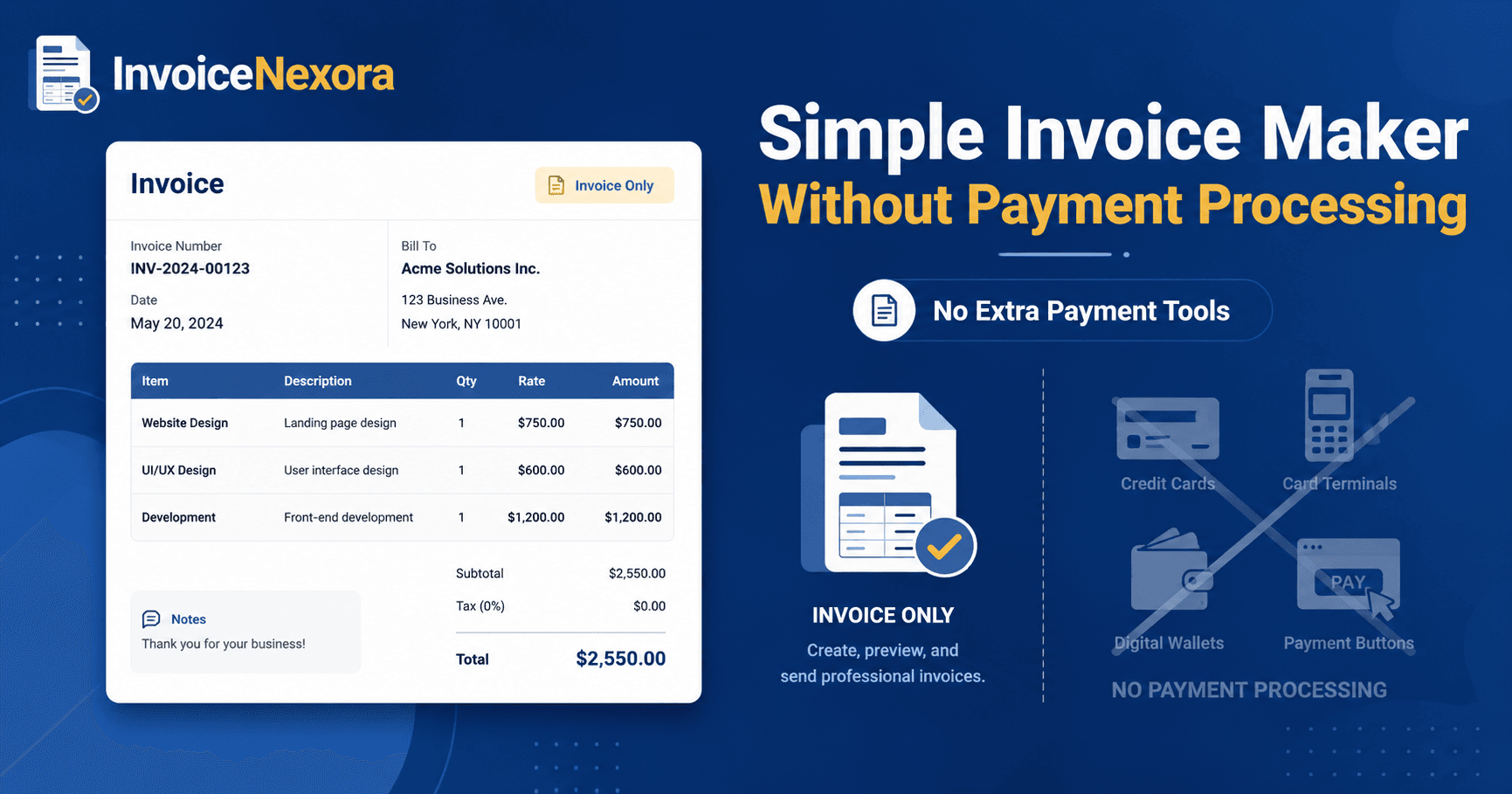
When you use an invoice-only generator like InvoiceNexora, your workflow simplifies dramatically:
- Zero Merchant Verification Friction: No submitting passport scans, utility bills, or business tax IDs just to draft an invoice.
- 100% Payment Retention: When a client wires you $3,000 via ACH or SEPA, you receive the full $3,000 in your bank account.
- Ultimate Client Flexibility: You can provide multiple payment options directly in the invoice footer (e.g., Wise tag, IBAN, PayPal.me link, or crypto wallet).
- Speed: Draft, customize, and export an invoice in 90 seconds without waiting for gateway sync or account approvals.
How to Display Payment Instructions Directly on Your Invoices
In InvoiceNexora, you can set default payment instructions in the Notes or Payment Terms section that automatically appear on every PDF template:
- For US Clients (ACH): 'Payment via ACH Direct Deposit: Bank: JPMorgan Chase | Routing: 123456789 | Account: 987654321 | Name: Abubakar Raza Consulting'.
- For European & UK Clients: 'Payment via SEPA/BACS: IBAN: GB29NWBK60161331926819 | BIC/SWIFT: NWBKGB2L'.
- For International Wise Users: 'Pay directly via Wise transfer to: payments@yourdomain.com or wise.com/pay/me/yourhandle'.
- For Digital Wallets: 'PayPal payments accepted at paypal.me/yourfreelancehandle (please select Friends & Family or cover goods fee)'.
When SHOULD You Use an App With Built-In Card Processing?
To be fair and transparent, integrated card processing is valuable in specific business contexts:
- Emergency Field Services: If you are an emergency locksmith, mobile mechanic, or residential HVAC technician standing in front of a homeowner, collecting card payments instantly via phone tap is critical.
- Impulse B2C Transactions: If you sell low-ticket consumer services where clients refuse to log into online banking, card buttons increase immediate conversion.
However, if you deliver professional, B2B, or freelance services, an invoice maker without payment processing saves you thousands of dollars while maintaining total control over your funds.
Download the app
Send branded, professional invoices in under a minute.
Mobile-first invoicing for freelancers and small businesses. Templates, clients, multi-currency, and clear payment tracking - all from your phone. This article is only the plan. The app is the shortcut.