Search for a free invoice template and you'll find three kinds of tools: template files you fill in yourself (Word, Google Docs, Excel), web template generators like Invoice Home, and invoicing apps that come with templates built in. 'Free' also means different things. Some apps have a free plan with no end date, some give you a 14- or 30-day free trial and then charge, and some are free but put their own logo on your invoices.
We compared 10 popular options on exactly that: whether they have a free plan, whether they have a free trial, what the paid plans cost, and what your free invoices look like. Prices were checked in October 2026.
Free Plan, Free Trial or Free Template: What's the Difference?
- Free plan: Free with no end date, within the plan's limits (for example 500 invoices a year, or 5 clients). This is what you want if you plan to stay free.
- Free trial: The full paid app for a set time, usually 14 or 30 days. Some trials need a card up front and renew automatically, so set a reminder before the trial ends.
- Free template: A Word, Google Docs or Excel file, or a web generator. Free to use, but you type every invoice by hand, number them yourself and track payments somewhere else. Some generators add their logo to free invoices.
Invoice Template Apps: Pricing Compared
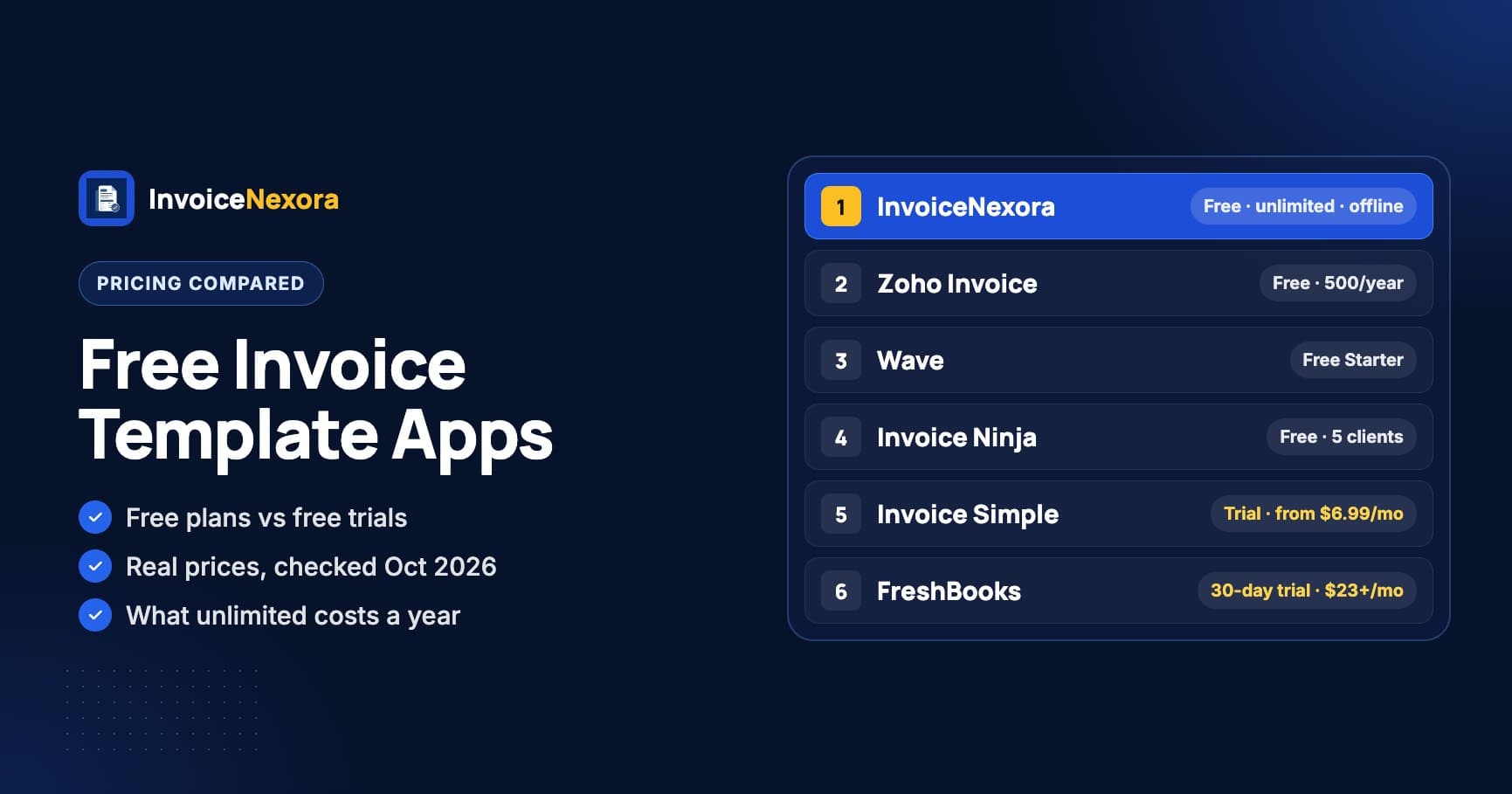
| App | Free plan | Free trial | Paid price | Free invoices |
|---|---|---|---|---|
| InvoiceNexora | Yes: unlimited invoices and clients | Not needed | Pro $4.99/month or $39.99/year | No watermark |
| Zoho Invoice | Yes: 500 invoices a year, 2 users | Not needed | Contact Zoho if you outgrow the free limits | 'Powered by Zoho Invoice' |
| Wave | Yes (Starter): unlimited invoices | Not needed | Pro $19/month or $190/year | Your logo and brand colors need Pro |
| Invoice Ninja | Yes: unlimited invoices, up to 5 clients | Not needed | Ninja Pro $14/month or $140/year | 'Created by Invoice Ninja' |
| Square Invoices | Yes | Not needed | Plus from $49/month; card fees on every plan | Square checkout for card payments |
| Invoice Home | Free to try, per reviewers | Not stated | Unlimited Invoicing, about $5/month (Capterra listing) | Invoice Home branding, per reviewers |
| Invoice Simple | No | Yes | Essentials $6.99/month (3 invoices a month); Premium $21.99/month (unlimited) | Paid plans only |
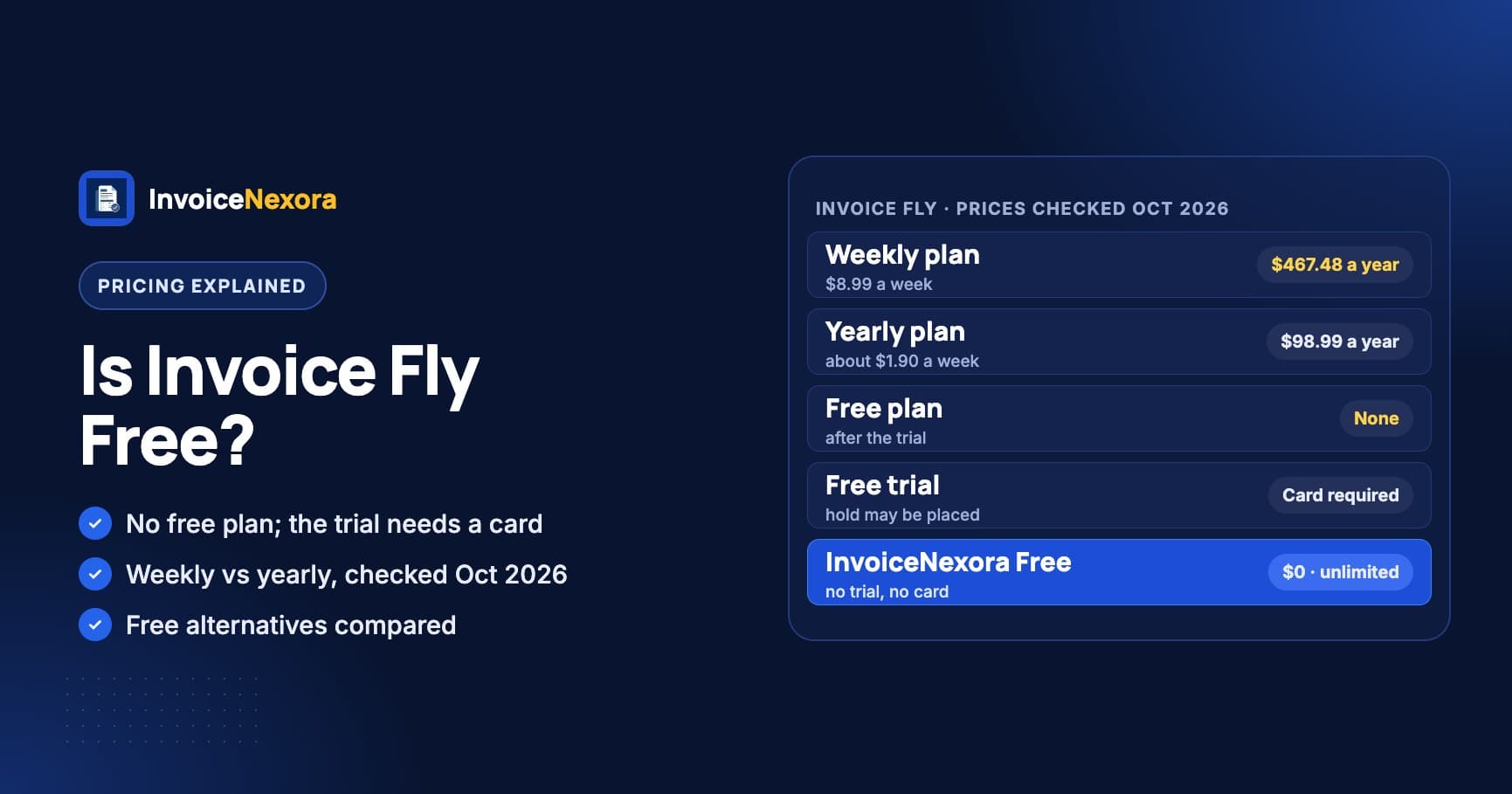
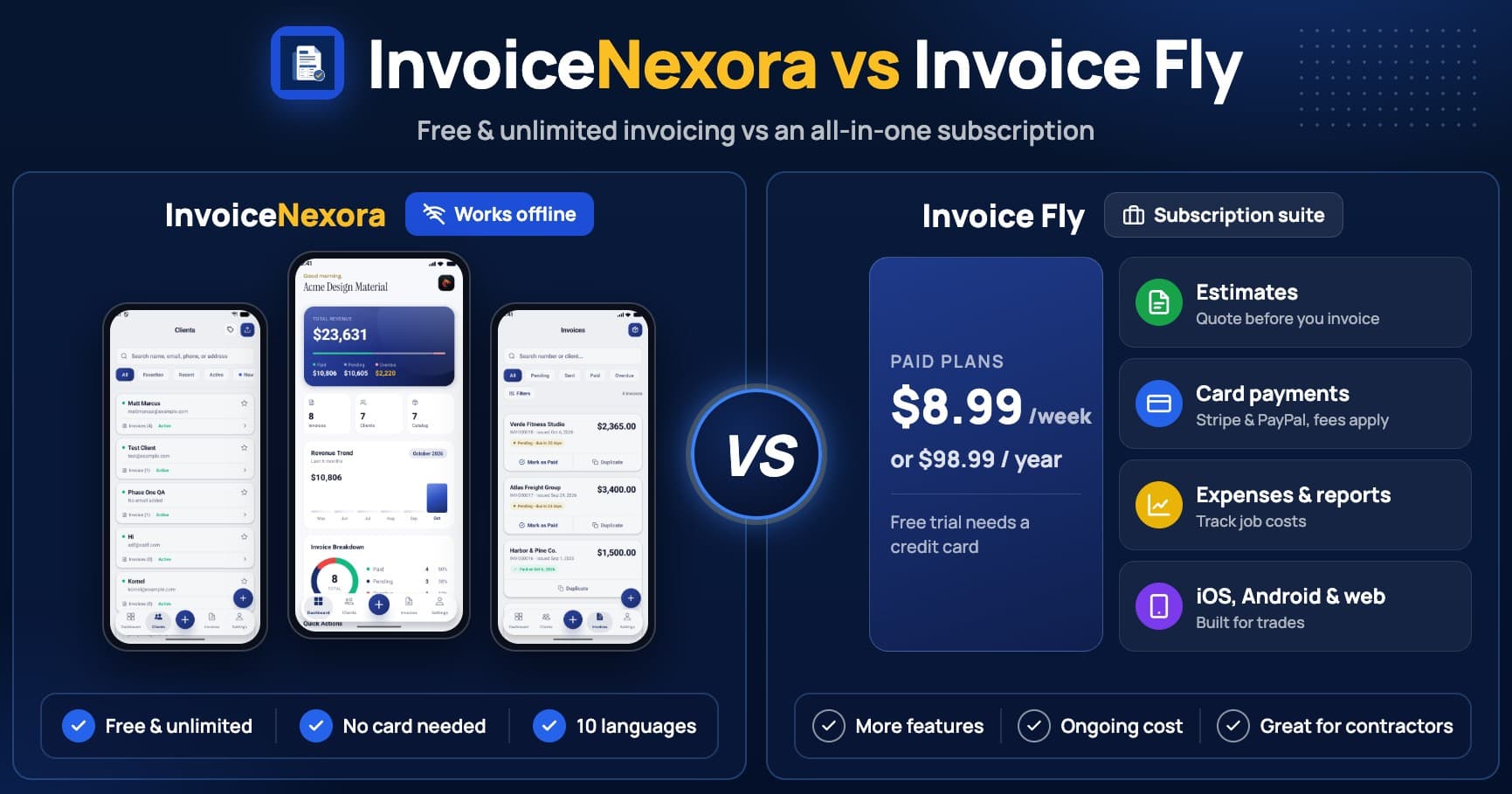
| Invoice Fly | No | Yes, card required | $8.99/week or $98.99/year | Paid plans only |
| Invoice2go | No | 30 days, card required | Starter (30 invoices a year), Professional (100 a year), Premium (unlimited); prices vary by region | Paid plans only |
| FreshBooks | No | 30 days | Lite $23/month (5 billable clients), Plus $43/month, Premium $70/month (regular prices) | Paid plans only |
What Unlimited Invoicing Costs in a Year
Monthly prices hide the real cost. Here's what a year of invoicing costs if you send more than a handful of invoices a month, at each app's cheapest plan that allows it.
| App | Cheapest plan with unlimited invoices | Cost per year |
|---|---|---|
| InvoiceNexora | Free | $0 |
| Wave | Starter (free) | $0 |
| Zoho Invoice | Free, up to 500 invoices a year | $0 |
| Invoice Ninja | Free for 5 clients; Ninja Pro beyond that | $0 or $140 |
| Invoice Fly | Yearly plan | $98.99 |
| Invoice Simple | Premium at $21.99/month | $263.88 |
| FreshBooks | Lite at $23/month, 5 billable clients | $276 |
Best Free Plans (No Trial to Run Out)
1. InvoiceNexora: Best Free App for Mobile Invoicing
InvoiceNexora is an Android invoice app with 16 invoice templates, 7 of them free. The Free plan has unlimited invoices and clients, saves your client list and services, numbers invoices for you and tracks each one from draft to paid. There's no watermark on your PDFs, it works offline, and it issues invoices in 10 languages and any currency. Pro ($4.99/month or $39.99/year) adds cloud backup, sync across devices, all templates, emailed payment reminders and an ad-free app.
Limits: It doesn't take card payments; clients pay you directly by bank transfer, Wise or PayPal using the details on your invoice. The iPhone app isn't out yet.
2. Zoho Invoice: Best Free Web-Based Option
Zoho Invoice is free up to 500 invoices a year, with 2 users and 3 projects, estimates, time tracking and a client portal. Free invoices say 'Powered by Zoho Invoice'. It's the strongest free choice if you invoice from a desktop browser. See InvoiceNexora vs Zoho Invoice.
3. Wave: Free Invoicing Plus Bookkeeping
Wave's Starter plan is free with unlimited invoices, estimates and bookkeeping records. Card payments cost 2.9% + $0.60 each on Starter. Adding your logo and brand colors, automatic late-payment reminders and bank imports need Pro at $19/month or $190/year. It's built for the US and Canada. See Wave alternatives.
4. Invoice Ninja: Free for a Small Client List
Invoice Ninja's free plan has unlimited invoices for up to 5 clients, with apps for desktop and mobile. Free invoices say 'Created by Invoice Ninja'. Ninja Pro ($14/month or $140/year) removes the client limit and the branding.
5. Square Invoices: Free If You Take Card Payments
Square Invoices has a free plan, and Square makes its money from card fees each time a client pays by card. That's good value if most clients pay by card and you already use Square. Plus starts at $49/month for extra features and lower card rates.
Best Free Trials (Paid After)
These are paid apps that let you try them first. Each has features the free apps above don't, such as card payments built in, expenses or full accounting. Check whether the trial asks for a card, and cancel before it ends if you don't plan to pay.
- FreshBooks: A 30-day free trial of full accounting software. After that, Lite is $23/month for 5 billable clients. Best if you also need expenses, time tracking and reports. See FreshBooks alternatives.
- Invoice2go: A 30-day trial that needs a card. Starter allows 30 invoices a year and Professional 100; only Premium is unlimited. See Invoice2go alternatives.
- Invoice Simple: A free trial, then Essentials at $6.99/month for 3 invoices a month or Premium at $21.99/month for unlimited. See Invoice Simple alternatives.
- Invoice Fly: A free trial that needs a card, then $8.99/week or $98.99/year. Is Invoice Fly free? Not after the trial. See InvoiceNexora vs Invoice Fly.
Web Template Generators and Template Files
Invoice Home is the best-known web template generator: about 100 designs, filled in your browser and downloaded as a PDF. Reviewers report that free invoices carry Invoice Home branding, and Capterra lists one paid plan at about $5/month. See Invoice Home alternatives.
Word, Google Docs and Excel templates cost nothing and have no branding. The catch is the work: you retype client details, number invoices yourself, check the totals and keep a separate list of who has paid. That's fine for one or two invoices a month. Beyond that, a free app saves time and mistakes. If you only need a layout to copy, start with our free invoice templates by profession.
How to Choose
- You invoice from your phone and want to stay free: InvoiceNexora.
- You work from a desktop browser: Zoho Invoice.
- You want free bookkeeping too, in the US or Canada: Wave.
- You have 5 clients or fewer: Invoice Ninja.
- Most clients pay by card: Square Invoices, or a paid app with card payments.
- You need full accounting and don't mind paying: try FreshBooks for 30 days.
- You send one invoice a month: a Word or Google Docs template is enough.
Whichever tool you choose, the layout matters more than the design. See 7 invoice templates that get you paid faster and how to write a professional invoice.
Download the app
Send branded, professional invoices in under a minute.
Mobile-first invoicing for freelancers and small businesses. Templates, clients, multi-currency, and clear payment tracking - all from your phone. This article is only the plan. The app is the shortcut.