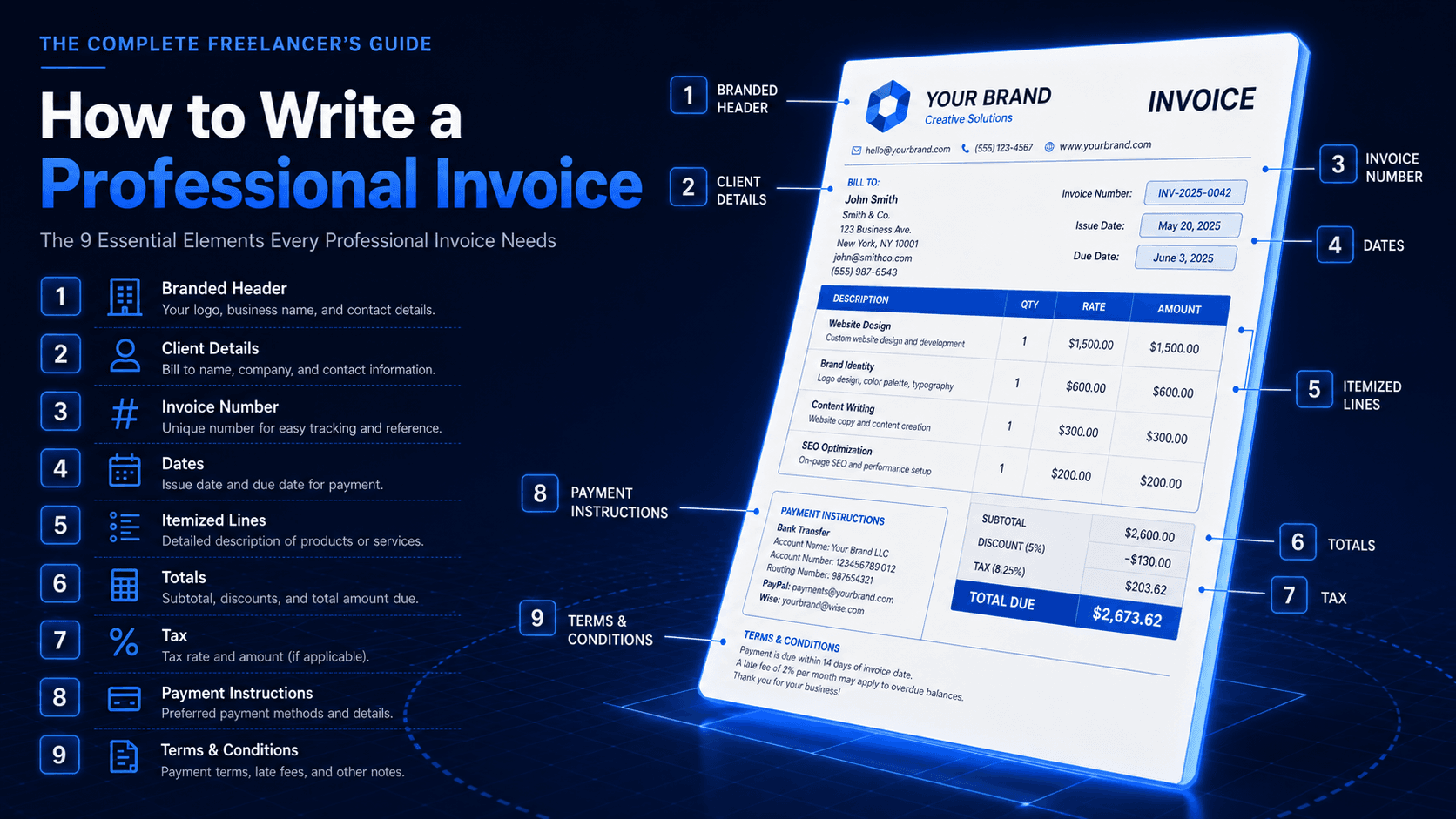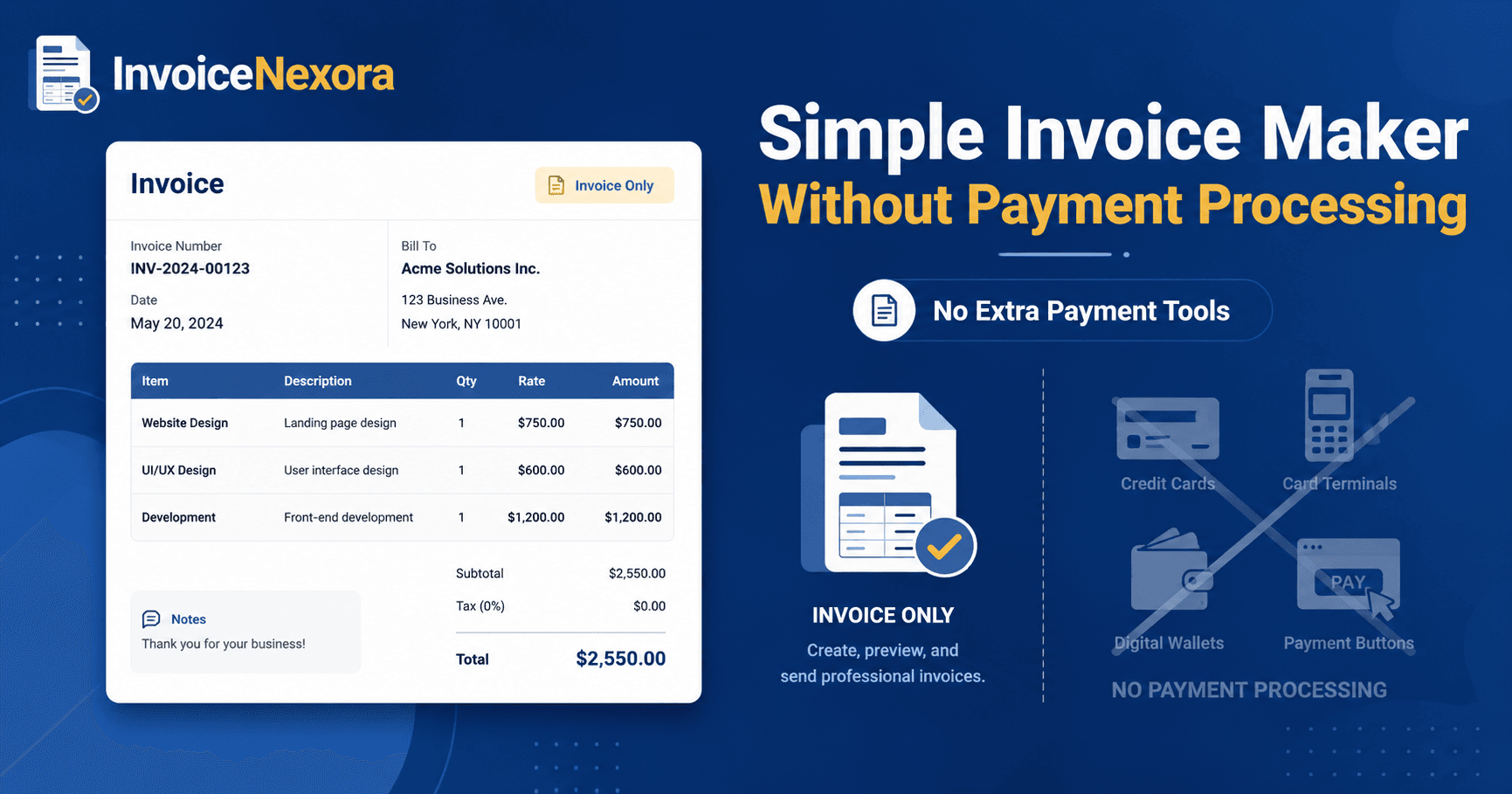
Every freelancer wants the same thing from an invoice template: it should look professional, take seconds to fill in, and not get held up in approval. The template you choose actually matters more than people think. The right structure puts the most important information - amount due, due date, and how to pay - exactly where a busy client will see it first.
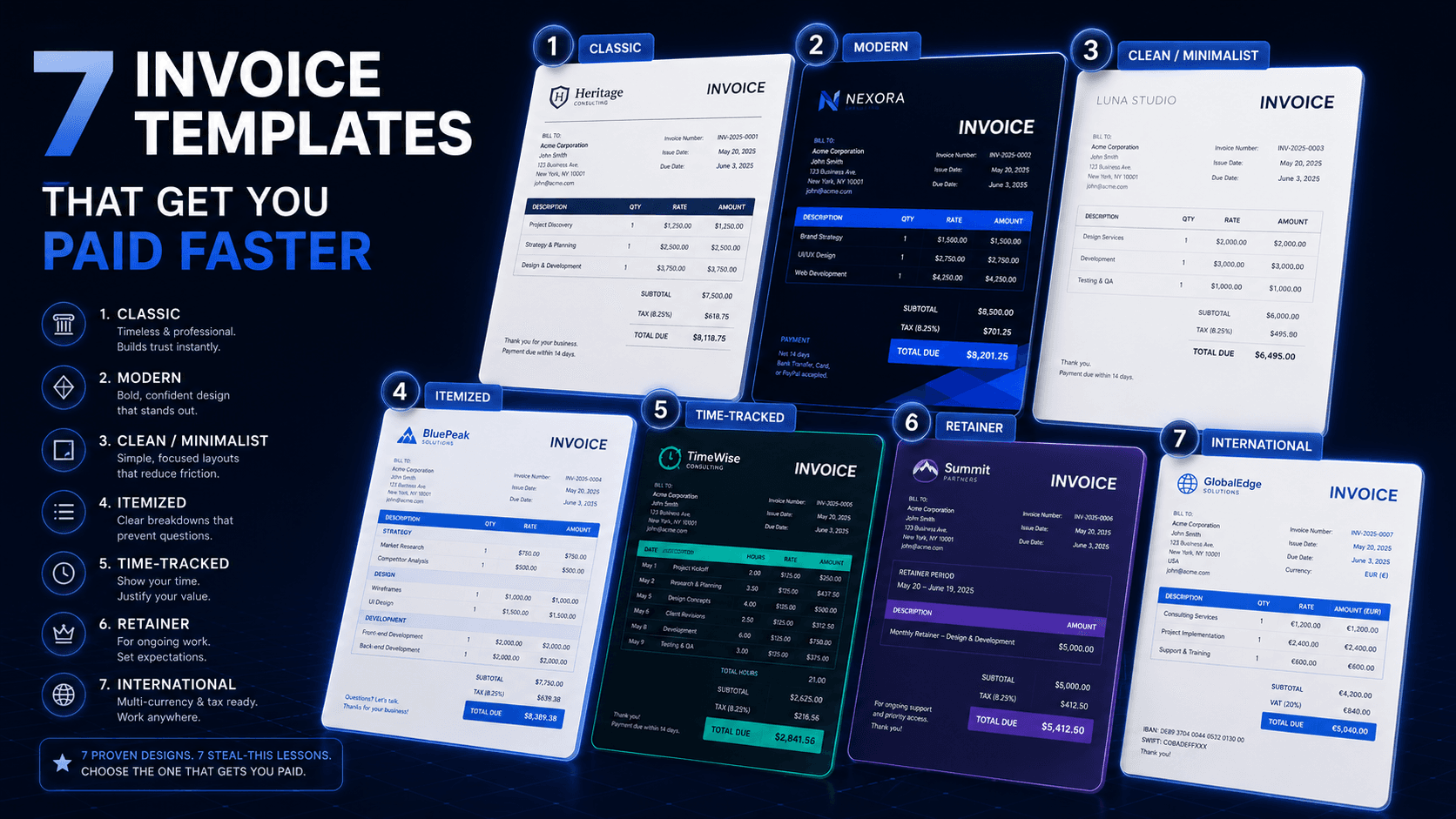
Here are seven invoice template styles worth knowing, the kind of work each one fits best, and a small design lesson you can steal from each one.
1. The Classic template
This is the template every accountant has seen a thousand times: header with logo on the left, invoice number and dates on the right, a clean table of line items, totals stacked at the bottom right. It's boring on purpose - because boring approves quickly.
2. The Modern template
Modern templates use a colored header band, generous white space, and a single accent color that matches your brand. The line items still look like a table, but the typography is friendlier. This is the best fit for creative work where the invoice itself signals the quality of your craft.
3. The Clean / Minimalist template
No table borders, no shading, no logo wider than 40 pixels. Just a quiet header, line items separated by thin rules, and a confident total. This template is for senior consultants and high-trust client relationships. The message is: I don't need decoration to be taken seriously.
4. The Itemized service template
Best for agencies and service businesses billing multiple deliverables in one invoice. Each service has its own subtotal block, with sub-line-items grouped underneath. The client can see exactly what each phase of work cost, which is exactly the structure that prevents "can you break this down?" emails.
5. The Time-tracked template
For hourly billing, this template shows hours, rate, and date for every entry. Some clients love it because it justifies the total automatically. Others find it overwhelming. The decider is the relationship: a new client wants the detail; a long-term retainer client wants the summary.
6. The Retainer / recurring template
For monthly retainers, your template doesn't need to be a full breakdown every cycle. A single line - "April retainer, Strategy + advisory, 4 sessions" - is enough if it's been agreed in advance. The whole template should fit one screen so the client can approve from their phone.
7. The International / multi-currency template
If you bill clients in another country, your template needs a currency code on every total, a clear exchange-rate disclaimer, and tax fields that adapt (VAT, GST, sales tax, or none). It also needs an IBAN or SWIFT line, not just a routing number - the friction of "can you send your international wire details?" can cost you a week.
Which template should you actually use?
The honest answer is: one template, used consistently. The biggest mistake freelancers make is bouncing between styles. Pick one that fits your work and your clients, and use it for every invoice for a year. Consistency builds recognition - your clients should be able to spot your invoice in their inbox by the corner of the PDF.
InvoiceNexora ships with 16 templates covering every style above. 7 of them (Classic, Clean, Minimal, Split Professional, Editorial Minimal, Modern Statement, and Signature) are free on every account, and Pro unlocks the other 9. Each one is mobile-first, branded, and multi-currency-ready. You pick one, set your logo and signature once, and every invoice from then on uses it. The hard part of templating - the design decisions above - is already baked in.
Download the app
Send branded, professional invoices in under a minute.
Mobile-first invoicing for freelancers and small businesses. Templates, clients, multi-currency, and clear payment tracking - all from your phone. This article is only the plan. The app is the shortcut.