When you bill clients $150 to $350 per hour as a management consultant, cybersecurity advisor, or software architect, your invoice is not just an accounting request—it is a brand touchpoint. A sloppy, pixelated receipt sent from a generic mobile tool signals amateur operations, whereas a clean, structured document reinforces your authority and accelerates corporate approval.
Unlike field contractors who bill for physical parts and labor, consultants bill for intellectual property, strategic advice, and executive time. Here is how professional consultants structure their invoices and why specialized tooling matters.
The 3 Billing Structures Every Consultant Uses
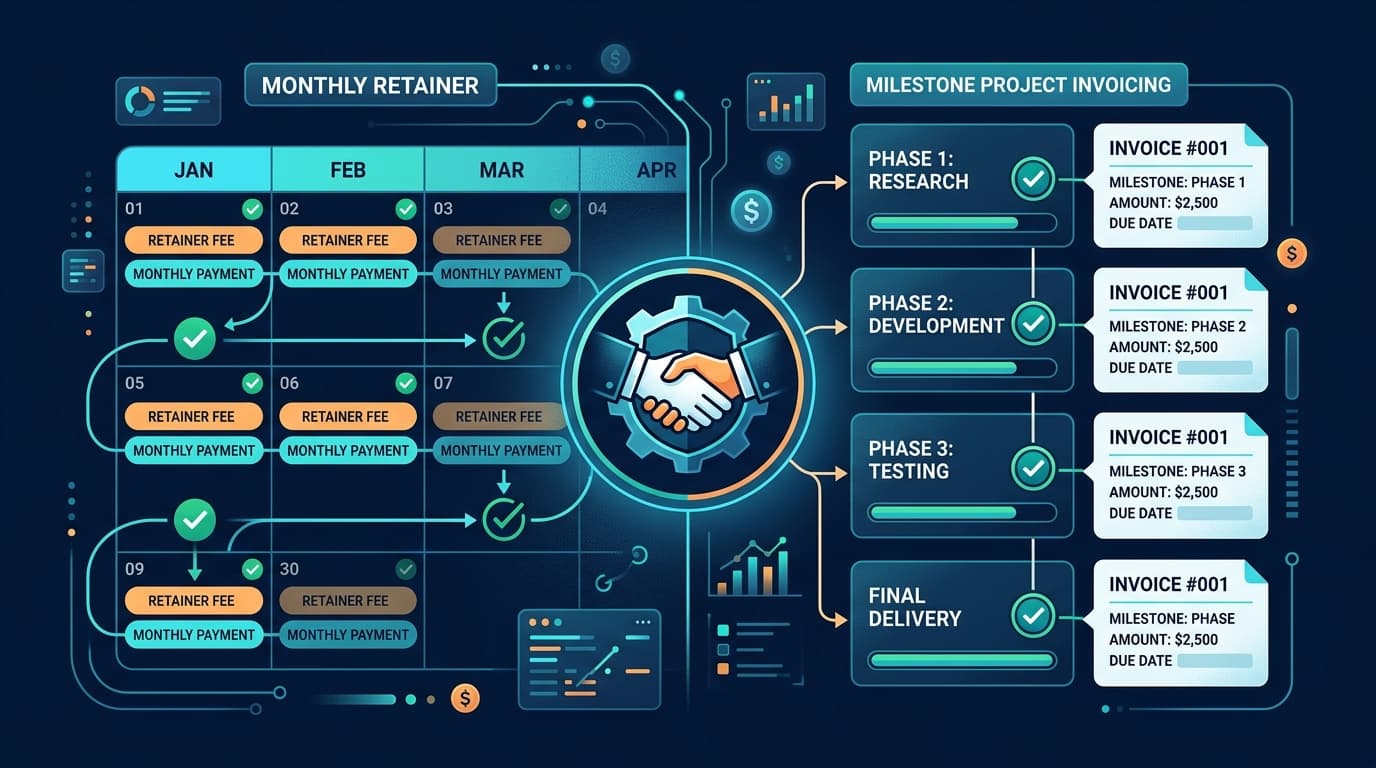
Most generic invoicing apps force you into a rigid 'quantity x price' grid designed for physical products. Independent consultants require flexibility across three primary models:
- 01Hourly Time Billing: Itemized breakdown showing specific dates, task descriptions (e.g., 'Stakeholder architecture review - 4.5 hrs @ $225/hr'), and detailed deliverables.
- 02Project Milestone Invoicing: Fixed-scope billing linked to contractual deliverables (e.g., 'Phase 2: Cloud Infrastructure Audit & Migration Plan - 50% upon deliverable signoff').
- 03Monthly Advisory Retainers: Pre-billed recurring monthly allocations (e.g., 'Monthly Fractional CTO Retainer - July 2026 (Up to 20 hours advisory) - $4,500').
What Every Corporate Consultant Invoice Must Include
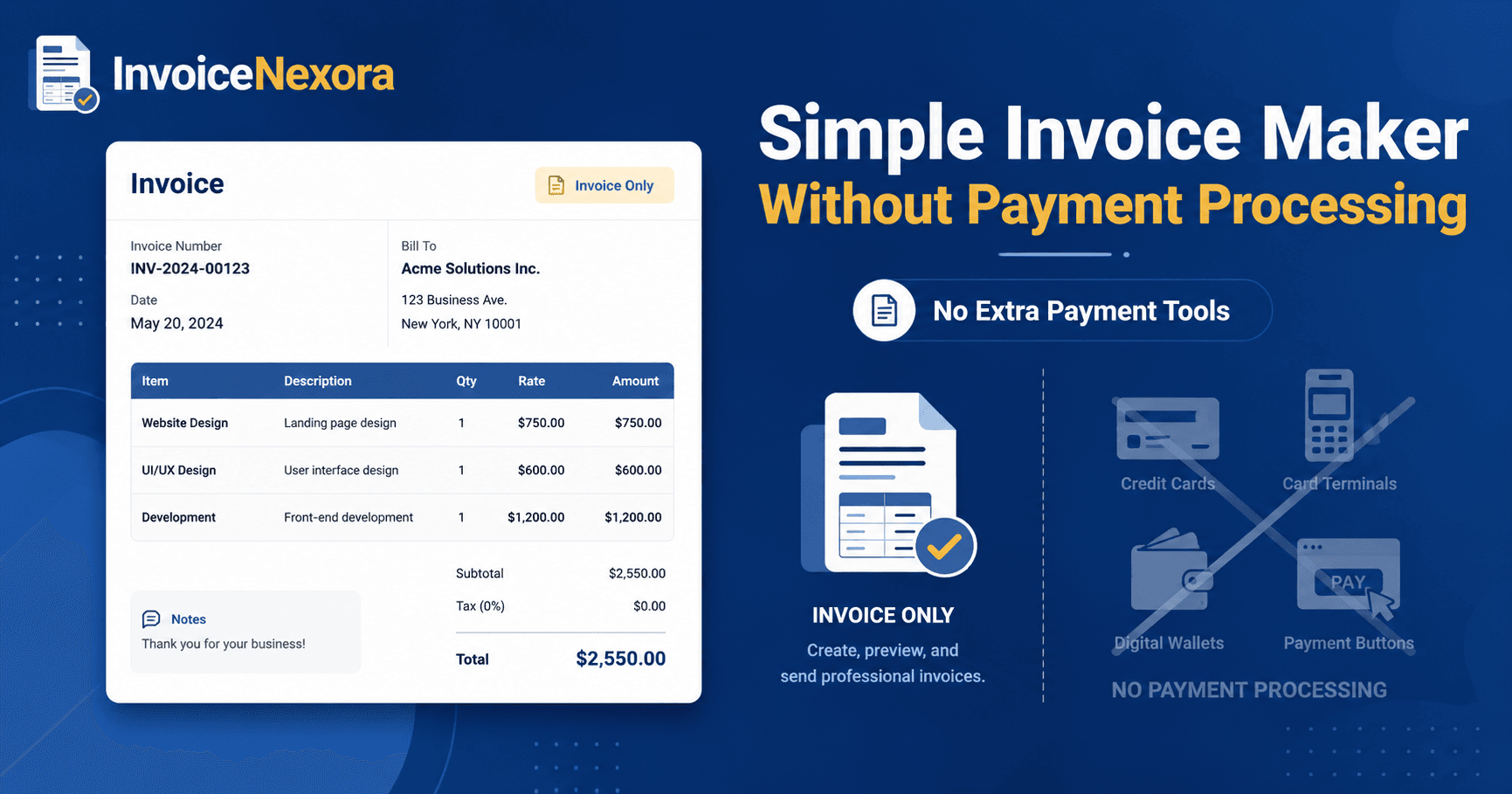
Enterprise accounts payable (AP) departments reject invoices for minor omissions. Ensure your invoices always incorporate these eight elements:
- Purchase Order (PO) or Statement of Work (SOW) Reference: Enterprise clients cannot disburse funds without matching your invoice to an approved internal PO number.
- Legal Entity Name and Registered Tax ID: Include your LLC or business entity name, registered office address, and EIN or VAT number.
- Clear Period of Performance: Explicitly state the date range during which services were executed (e.g., 'Billing Period: June 1, 2026 – June 30, 2026').
- Payment Terms and Due Date: Use clear Net-15 or Net-30 payment terms with an exact calendar due date.
- Direct Wire & ACH Details: Corporate clients rarely pay by credit card; provide complete routing, swift code, and account numbers.
InvoiceNexora: Polished Invoicing for Solo Consultants
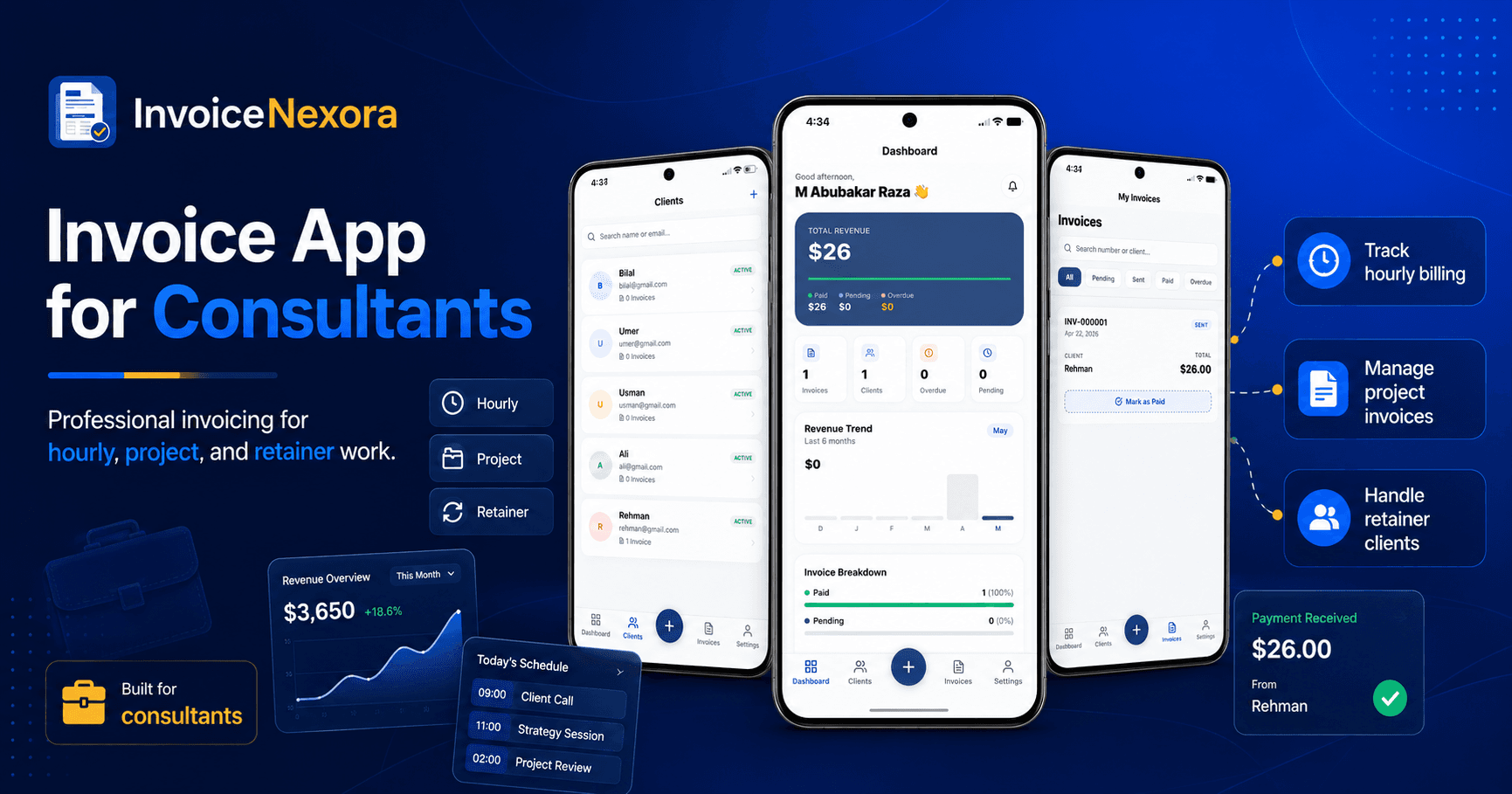
InvoiceNexora provides independent advisors with executive-grade document presentation without the bloat of full ERP suites:
- Boutique Professional Templates: Classic, Clean, and Minimal templates feature balanced whitespace, refined typography, and crisp corporate logo rendering.
- Multi-Currency Invoicing: Bill global enterprise clients in USD, EUR, GBP, AUD, or CAD with regional currency formatting.
- Dedicated Notes & PO Fields: Add SOW references, bank wire instructions, and tax notes directly to invoice headers or footers.
- Client Roster Management: Save default hourly billing rates and contract terms for each corporate client profile.
Download the app
Send branded, professional invoices in under a minute.
Mobile-first invoicing for freelancers and small businesses. Templates, clients, multi-currency, and clear payment tracking - all from your phone. This article is only the plan. The app is the shortcut.