Most late invoices aren't disputes. They're forgotten, stuck in an inbox, or waiting on someone's approval. A short, polite reminder sent at the right moment fixes most of them. The trick is to have the wording ready, so chasing a payment takes thirty seconds instead of an evening of worrying about tone.
A Simple Reminder Schedule
- 013 days before the due date: friendly heads-up.
- 02On the due date: polite reminder.
- 037 days late: first overdue notice.
- 0414 days late: firmer follow-up, ask for a payment date.
- 0530 days late: formal overdue notice, mention late fees if agreed.
- 0645+ days late: final notice before next steps.
Template 1: Before the Due Date
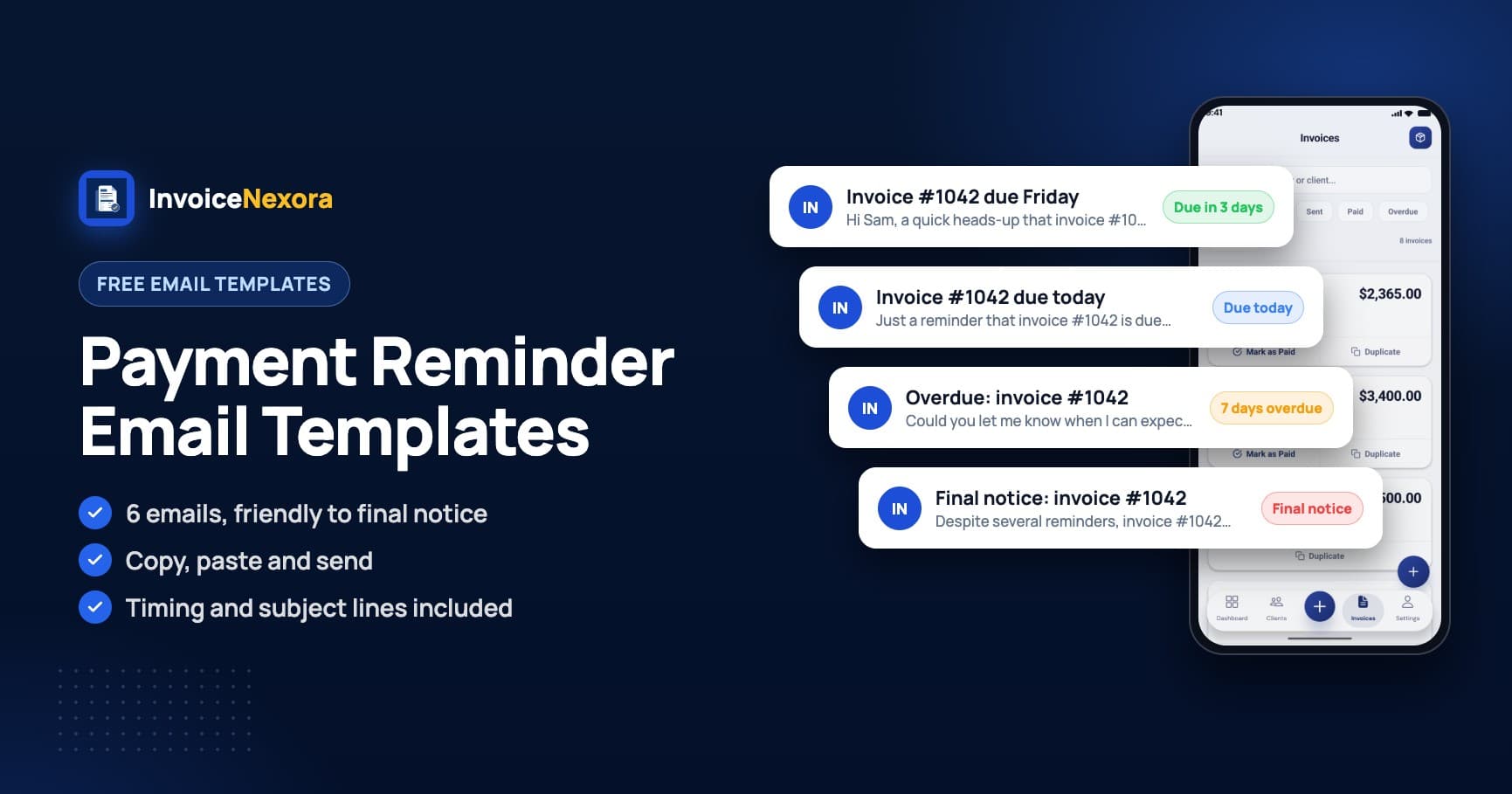
“Subject: Invoice #1042 due Friday. Hi Sam, a quick heads-up that invoice #1042 for $1,200 is due this Friday, March 14. I've attached it again for convenience. Payment details are on the invoice. Thanks!”
Template 2: On the Due Date
“Subject: Invoice #1042 due today. Hi Sam, just a reminder that invoice #1042 for $1,200 is due today. If it's already on its way, thank you and please ignore this. Otherwise, the payment details are on the attached invoice.”
Template 3: 7 Days Overdue
“Subject: Overdue: invoice #1042. Hi Sam, invoice #1042 for $1,200 was due on March 14 and is now a week overdue. Could you let me know when I can expect payment? If there's an issue with the invoice, I'm happy to sort it out.”
Template 4: 14 Days Overdue
“Subject: Second reminder: invoice #1042 (14 days overdue). Hi Sam, I haven't yet received payment for invoice #1042 ($1,200, due March 14). Please confirm a payment date by Friday. If someone else handles payments, could you forward this or share their contact?”
Template 5: 30 Days Overdue
“Subject: Invoice #1042 is 30 days overdue. Hi Sam, invoice #1042 for $1,200 is now 30 days past due. As set out in our agreement, a late fee of 1.5% per month applies to overdue balances. Please arrange payment this week, or call me to agree a plan.”
Template 6: Final Notice
“Subject: Final notice: invoice #1042. Hi Sam, despite several reminders, invoice #1042 for $1,200 (due March 14) remains unpaid. If payment isn't received by April 30, I will pause any ongoing work and pursue the debt through formal channels. I'd much rather resolve this directly, so please get in touch.”
Subject Lines That Get Opened
- Invoice #[number] due [day]
- Reminder: invoice #[number] for [amount]
- Overdue: invoice #[number] (due [date])
- Payment date for invoice #[number]?
- Final notice: invoice #[number]
Tips That Make Reminders Work
- Always attach the invoice or resend it, so the client doesn't have to search.
- Include the payment details in the email itself.
- Ask a direct question ('When can I expect payment?') so the email needs a reply.
- Reply in the same email thread each time, so the history is in one place.
- If a client goes silent, try a phone call or message before escalating.
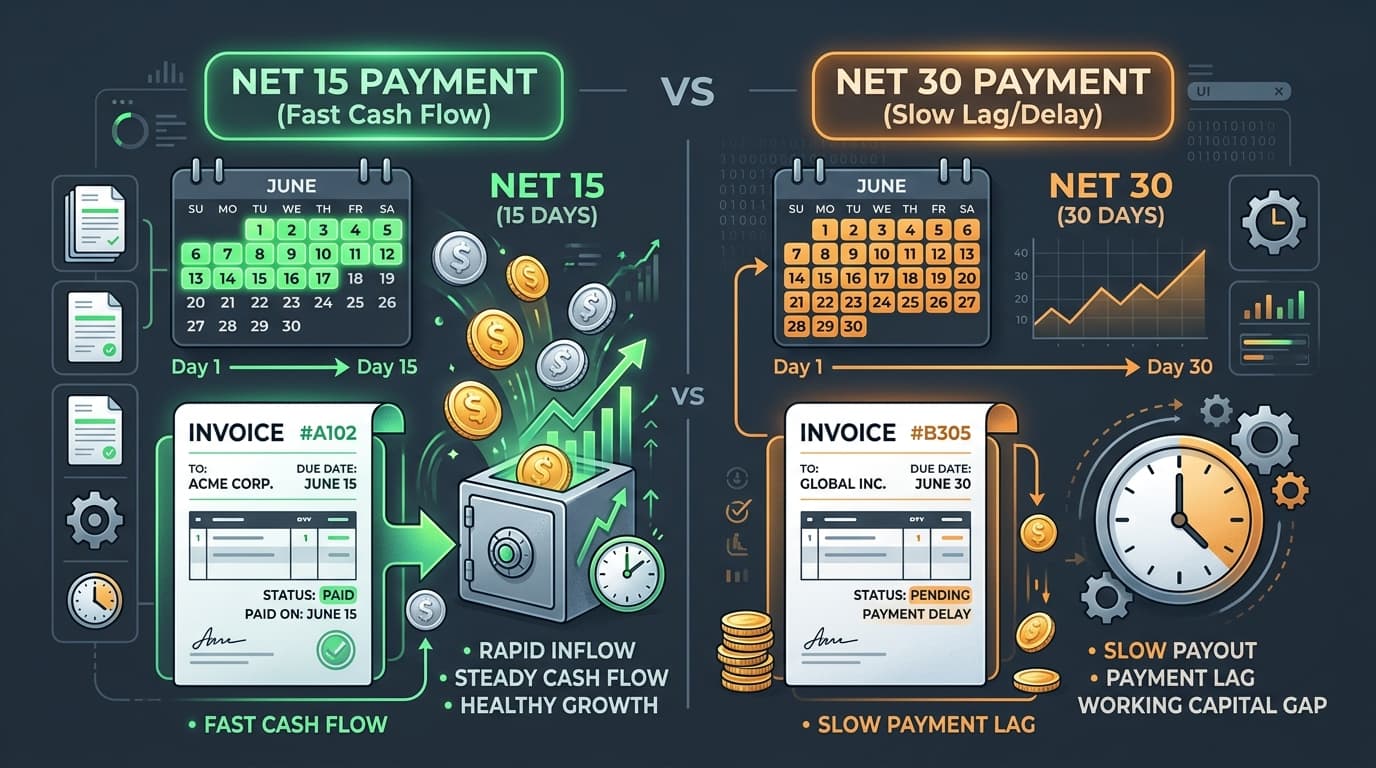
- Prevent the problem: shorter terms and clear due dates help. See net 15 vs net 30 and 9 ways to get paid faster.
Know Which Invoices Need a Reminder
Reminders only work if you notice the late invoice. In InvoiceNexora, each invoice has a status from draft to paid, and the dashboard shows what's pending and overdue, so you can see who to chase. You can email the invoice again from the app or share the PDF, then paste one of the templates above. A clear invoice to begin with helps too: here's how to write a professional invoice.
Download the app
Send branded, professional invoices in under a minute.
Mobile-first invoicing for freelancers and small businesses. Templates, clients, multi-currency, and clear payment tracking - all from your phone. This article is only the plan. The app is the shortcut.