You just completed a high-stakes job. You pack your gear, stand in the client's basement or remote office, pull out your phone to generate an invoice, and hit a spinning wheel. 'Connection lost. Please reconnect to try again.' In that moment, your billing workflow halts completely.
Industry surveys indicate that over 68% of field technicians, travelling consultants, and solo tradespeople experience cellular dead zones on job sites each month. Waiting until you get home to bill costs time, delays cash flow, and increases dispute rates. Here is an honest breakdown of the best offline invoice apps in 2026 and why local-first architecture matters.
Why Most Modern Invoice Apps Fail Offline
Nearly all major invoicing platforms—including QuickBooks, Wave, FreshBooks, and modern web wrappers—are built as client-server cloud apps. Every time you tap 'Save Invoice' or 'Generate PDF', the app makes an HTTPS request to an external server. The server computes the math, generates the document, and returns a download link.
When you lose cellular signal or airplane Wi-Fi drops, these apps cannot function. Even apps with an 'offline mode' frequently allow draft entry but block PDF creation, logo rendering, or client search until you reconnect. If your client wants an immediate invoice before you leave, a cloud-dependent app leaves you empty-handed.
4 Non-Negotiable Features of a True Offline Invoice App
If you need reliable billing away from Wi-Fi, verify that an app satisfies these four engineering benchmarks before relying on it:
- 01On-Device SQLite Database: Client details, past invoices, item pricing, and business settings must live on your phone's internal storage, not just in a transient cache.
- 02Client-Side PDF Rendering: The app must bundle its own PDF generation engine (using vector rendering or local canvas) so PDFs export in under 2 seconds without external server calls.
- 03Offline Business Assets: Your company logo and signature must be stored as local assets on device storage so exported invoices never render with broken image boxes.
- 04Autonomous Numbering: Invoice numbers must be assigned locally using deterministic sequences (e.g. INV-0042) without needing a server to verify uniqueness.
Comparing Cloud Invoicing vs. Local-First Invoicing
Understanding the operational trade-offs helps you choose the right tool for your specific business setup:
- Signal Requirement: Cloud apps require 4G/5G or Wi-Fi; local-first apps work in airplane mode, deep basements, and remote rural job sites.
- PDF Generation Speed: Cloud apps typically take 5-15 seconds depending on latency; local-first engines render in 1-2 seconds directly on your device.
- Data Privacy: Cloud apps store your customer database on third-party servers; local-first apps keep your financial records strictly on your own hardware.
- Subscription Overhead: Most cloud platforms charge $15 to $40 per month to maintain servers; local apps often provide unlimited free core workflows.
How InvoiceNexora Handles Offline Invoicing
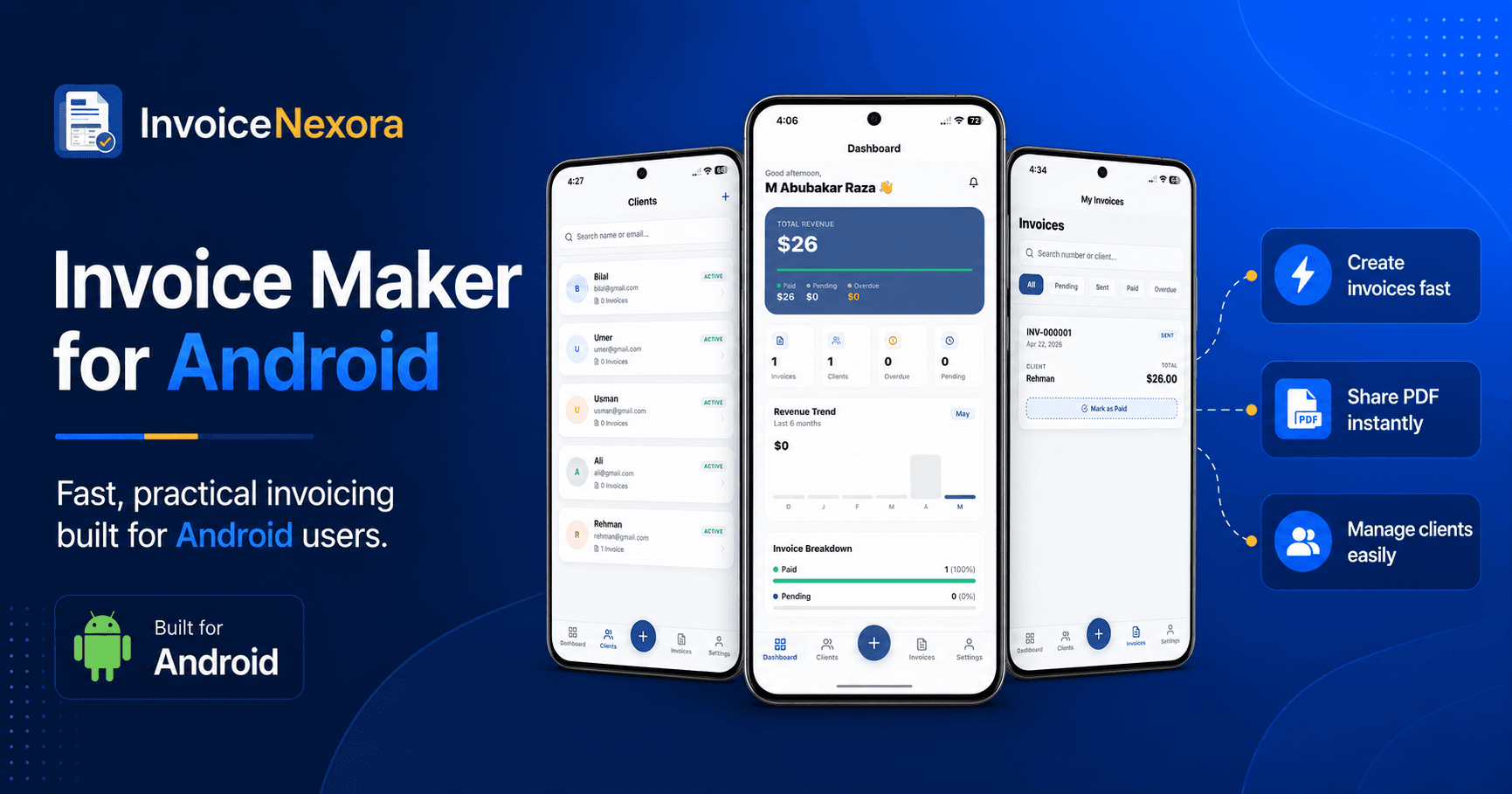
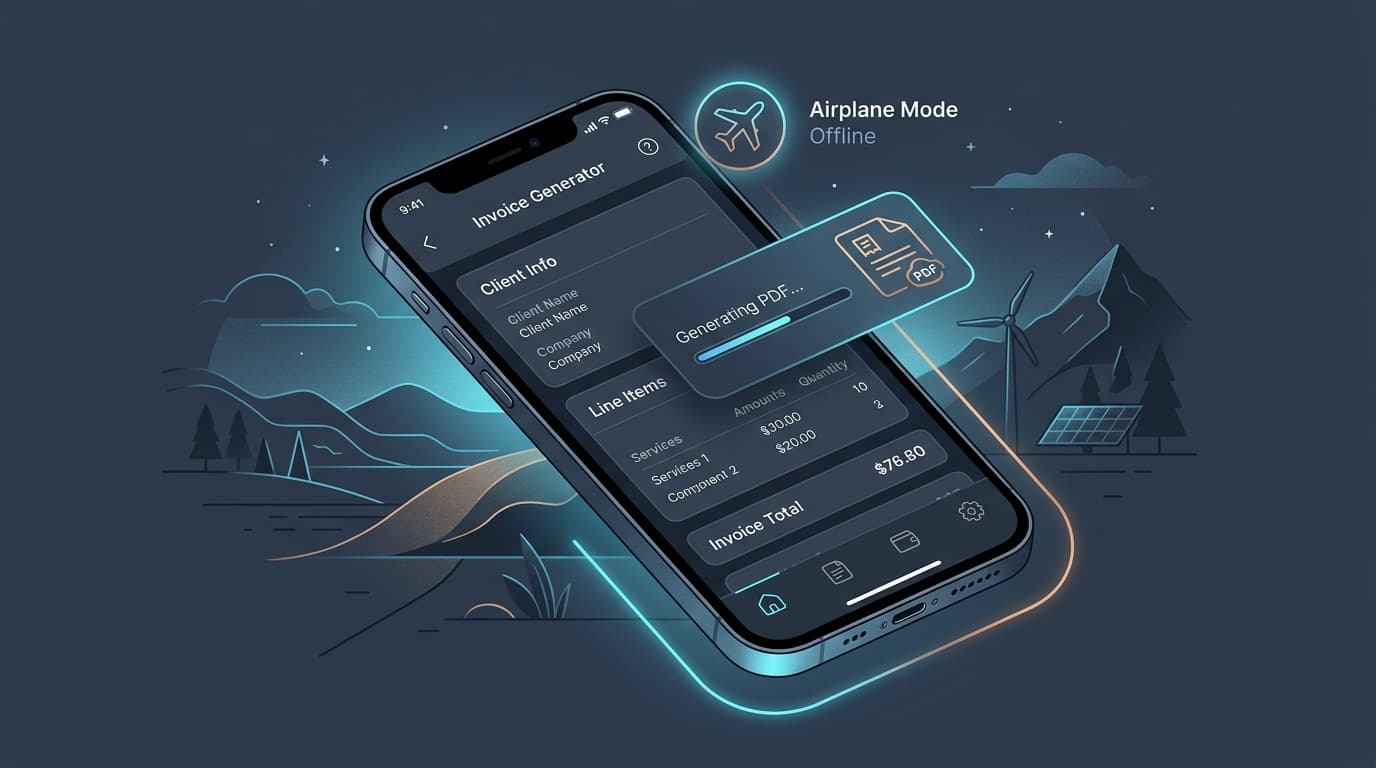
InvoiceNexora was engineered from day one as an offline-first mobile invoicing application for Android. You need an internet connection exactly once—to sign in. After that initial step, you can switch your phone to airplane mode indefinitely.
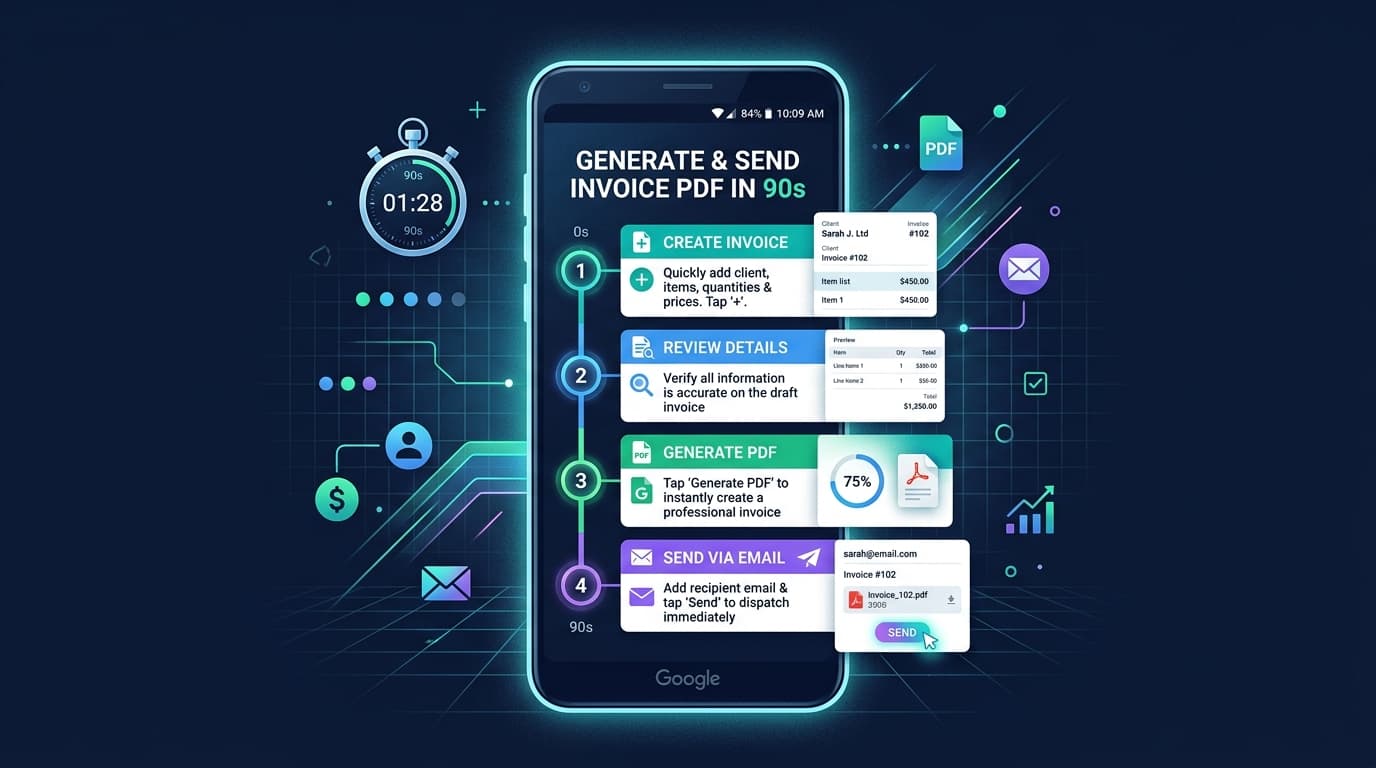
You can create new clients, add line items, calculate percentage or flat discounts, apply regional tax rates, and preview professional PDF templates entirely on your phone. When you hit export, InvoiceNexora generates a crisp, vector-sharp PDF with your custom logo and signature right on your device. You can immediately share the file via Bluetooth, nearby share, or hand the phone to the customer to review.
Practical Field Invoicing Tips for Solo Pros
- Pre-load common service items: Save recurring labor rates and standard parts in your catalog so you do not have to type lengthy descriptions on a keypad.
- Collect on-site signatures: Having a client sign with their finger on your device turns the invoice into a mutually approved delivery receipt.
- Always export a PDF copy: Export the generated PDF to your local downloads folder before leaving so you have a dated timestamped record.
- Back up your database periodically: Use manual JSON export tools to keep an encrypted backup of your entire billing history on your personal storage drive.
Frequently Asked Questions About Offline Billing
Can you create an invoice without an internet connection?
Yes. True offline invoice apps like InvoiceNexora store your business profile, client contact details, item catalogs, and templates locally on your device. All tax calculations, invoice number increments, and PDF rendering happen on your device's processor without any internet connection.
How do offline invoice apps generate PDF files without a server?
Offline apps run a local layout engine directly on your mobile OS. Instead of sending HTML data to an external headless browser in the cloud, the app converts layout coordinates and typography directly into PDF binary code on your mobile hardware in under 2 seconds.
What happens to my data when I get back online?
In InvoiceNexora, your data remains safely stored on your device. If you use cloud backup (available on Pro), changes automatically sync in the background when signal returns using conflict-free timestamp resolution.
Are offline invoice apps safer and more private?
Yes. Because invoices and client names stay on your physical phone storage rather than being uploaded to third-party marketing or analytics databases, offline-first tools eliminate the risk of cloud data breaches and vendor lock-in.
If you spend your days on client sites, in basements, or on the road, your billing should not depend on cell towers. Take control of your cash flow with an invoice tool that works anywhere you do.
Download the app
Send branded, professional invoices in under a minute.
Mobile-first invoicing for freelancers and small businesses. Templates, clients, multi-currency, and clear payment tracking - all from your phone. This article is only the plan. The app is the shortcut.