In much of South Asia, Latin America, Africa and the Middle East, WhatsApp is how small businesses talk to clients. Emails go unread; WhatsApp messages get answered. So it makes sense to send invoices there too, as long as you send a proper invoice and not a typed message or a photo of a notebook.
Step by Step: From Invoice to WhatsApp
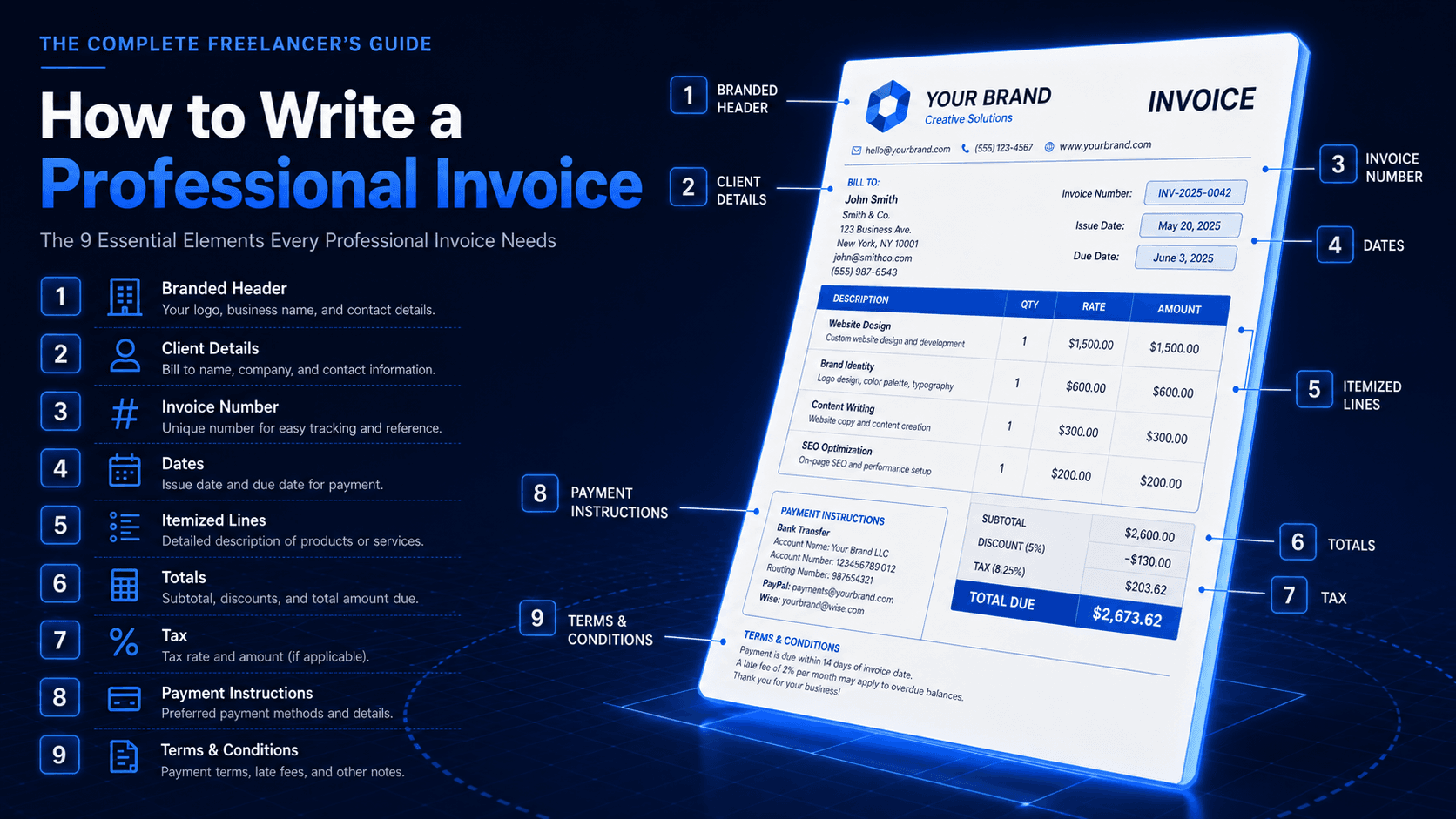
- 01Create the invoice: Add the client, line items, tax and due date in your invoicing app.
- 02Check the details: Make sure your payment details (bank, Wise, PayPal or mobile wallet) are on the invoice.
- 03Preview the PDF: Confirm the totals and that your logo and name look right.
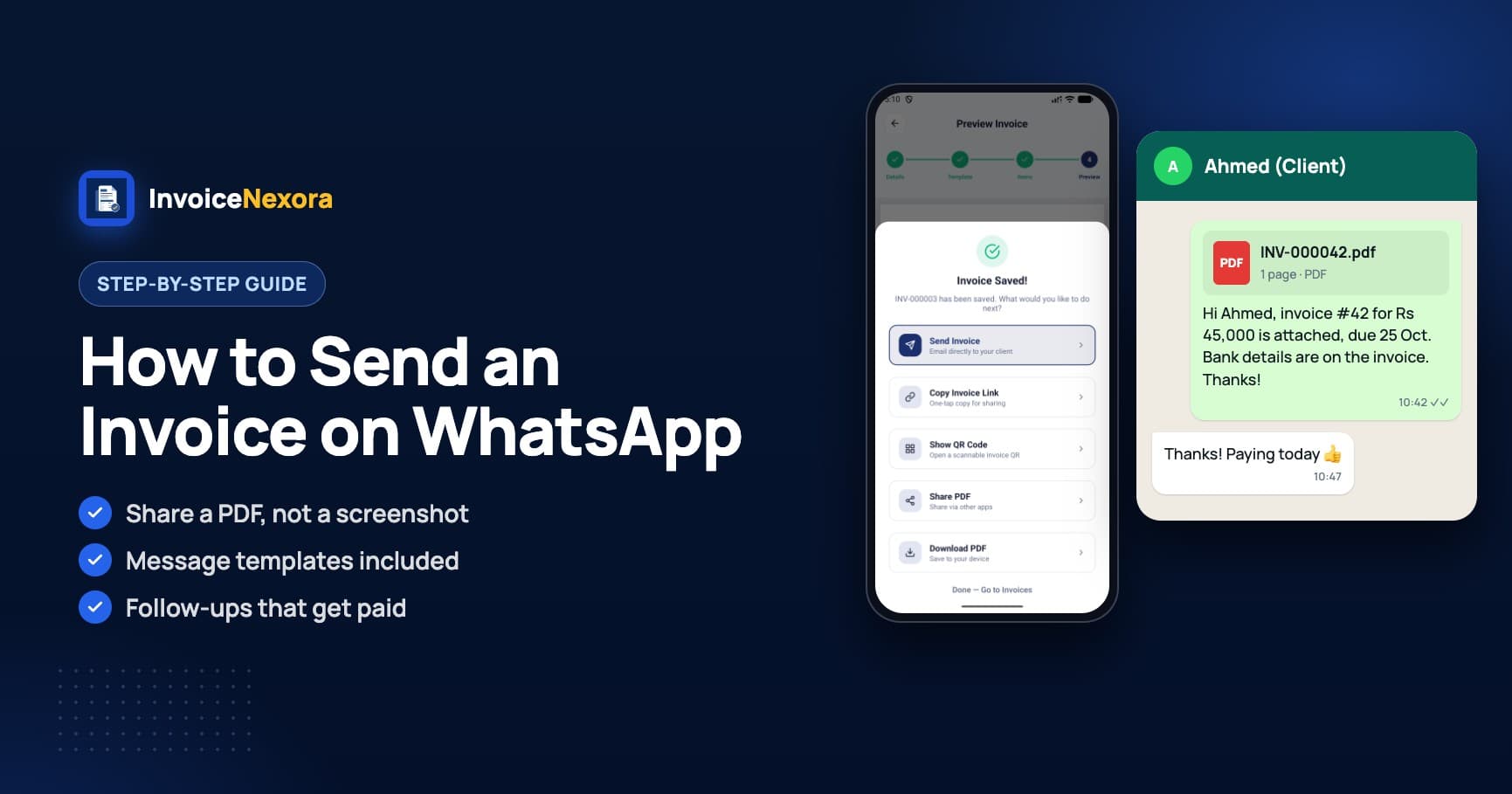
- 04Tap Share: Choose WhatsApp (or WhatsApp Business) from the share options.
- 05Pick the chat: Select the client, or the group their accounts team uses.
- 06Add a message: Use one of the templates below, then send.
Message Templates to Send with the PDF
“Hi Ahmed, please find invoice #1042 for Rs 45,000 attached, due on 25 October. Bank details are on the invoice. Thank you for your business!”
“Hi Maria, here's the invoice for this month's work: #1043, $850, due in 15 days. You can pay by Wise or bank transfer (details inside). Let me know if you need anything changed.”
“Hi Sam, a friendly reminder that invoice #1042 (Rs 45,000) was due yesterday. I've attached it again here. Could you let me know when payment will be sent?”
PDF, Not a Screenshot
- A PDF keeps its quality when printed or forwarded to an accounts team; a screenshot gets compressed.
- Clients can save a PDF with a clear file name and find it later.
- Many businesses need a proper invoice document for their own records and taxes.
- Typed amounts in a chat are easy to misread and hard to prove later.
Tips for Getting Paid Faster on WhatsApp
- Send the invoice the same day you finish the work, while the client is happy and paying attention.
- Put the invoice number in your message so it's searchable in the chat.
- Follow up in the same chat, so the PDF and your reminders are together.
- If you use WhatsApp Business, label chats (for example 'Invoice sent' and 'Paid') to see who still owes you.
- Write the amount and due date in the message too, so the client sees them in the notification.
- More tactics: 9 ways to get paid faster and our payment reminder templates.
Send Invoices to WhatsApp with InvoiceNexora
InvoiceNexora is built for this workflow. Create the invoice on your phone, even with no signal, tap Share PDF and choose WhatsApp. Your logo, signature and payment details are already on the PDF, and you can issue it in your client's language (Urdu, Hindi, Arabic, Spanish, Portuguese and more) and currency. On Pro, you can also copy an invoice link or show a QR code that opens the invoice in the client's browser. Invoices and clients are unlimited on the Free plan.
Download the app
Send branded, professional invoices in under a minute.
Mobile-first invoicing for freelancers and small businesses. Templates, clients, multi-currency, and clear payment tracking - all from your phone. This article is only the plan. The app is the shortcut.