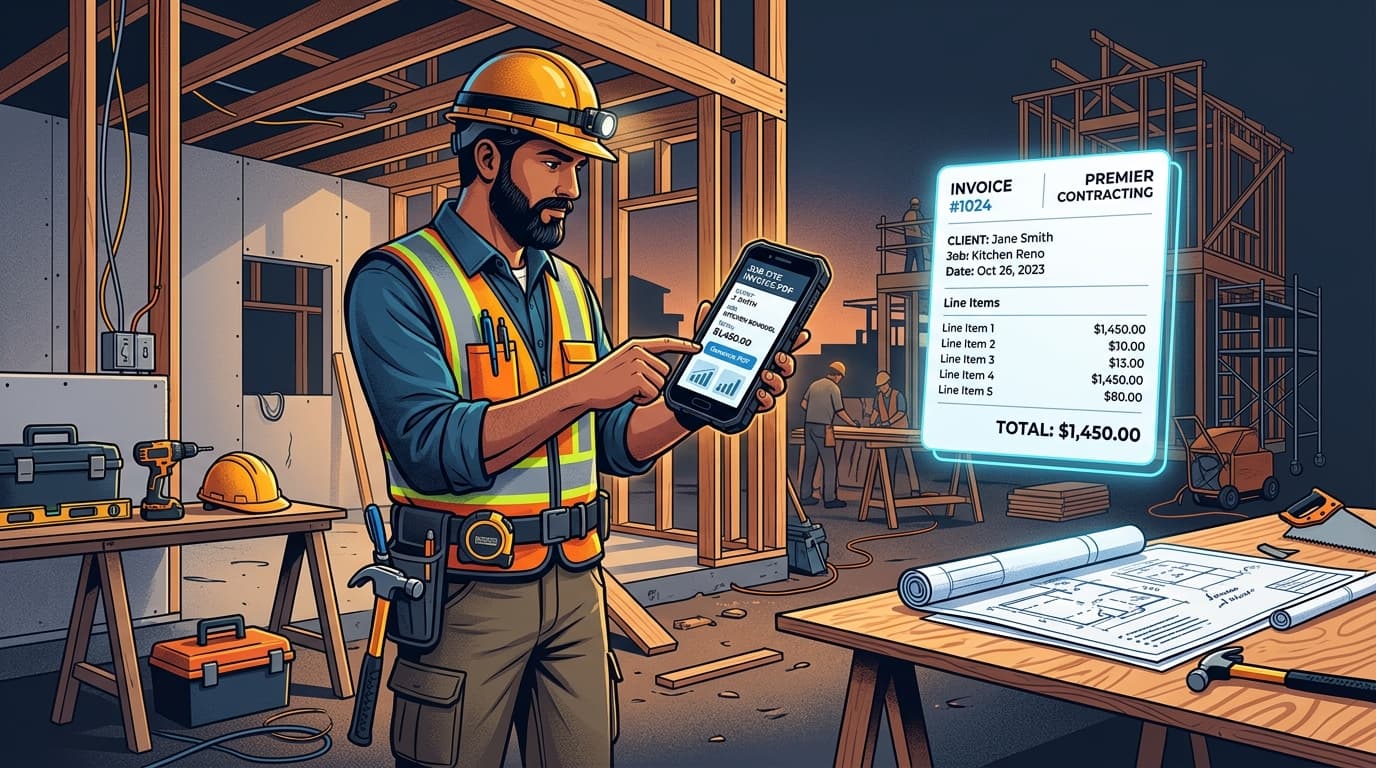
Ask any electrician, plumber, carpenter, or general handyman what their least favourite part of the trade is, and the answer is almost always the same: Sunday paperwork. After 50 hours of physical labor on job sites, nobody wants to spend their evening typing up receipts and invoices from crumpled slips in the truck.
Empirical billing studies demonstrate that contractors who invoice clients on-site before leaving the property get paid an average of 3.2 times faster than those who mail or email invoices days later. Here is how modern tradespeople eliminate billing backlogs using offline mobile invoicing.
The Real Cost of Delayed Invoicing on Job Sites
When you leave a job site without issuing an invoice, three things reliably happen:
- 01Memory decay leads to lost revenue: You forget that extra $45 plumbing fitting, the specialized sealant, or the additional 45 minutes spent troubleshooting an electrical box.
- 02Payment urgency evaporates: While you are standing in front of the homeowner, the completed work is top of mind. Two weeks later, your invoice competes with their mortgage, utilities, and groceries.
- 03Dispute rates climb: Clients forget exactly why a task took 3 hours instead of 2. An immediate, itemized breakdown handed over on-site prevents payment disputes.
Why Trades Need True Offline Capability
Contractors do not work in air-conditioned offices with high-speed fiber internet. You work in concrete basements, metal-framed commercial buildings, newly developed rural subdivisions, and crawl spaces where 5G cellular reception drops to zero.
If your invoice app requires a connection to load your client roster or compute tax rates, you are forced back to paper pads or delayed billing. An invoice tool for trades must be capable of generating a complete, signed PDF document in airplane mode.
5 Essential Requirements for Contractor Invoices
- Separate Labor and Materials: Homeowners and commercial clients want to see exactly how much went to skilled trade hours versus physical parts and supplies.
- Job Site Reference & Scope of Work: Clearly state the property address and a 2-sentence summary of the task completed (e.g. 'Repaired main bathroom leak and replaced copper elbow').
- Tax & Permit Breakdown: Itemize regional sales taxes and any municipal inspection/permit fees distinctly from your labor fee.
- Digital Signature Capture: Have the homeowner sign with their finger right on your phone screen to confirm inspection and acceptance of the work.
- Accepted Payment Options: State clearly whether you accept direct bank transfers, checks, card payments, or on-the-spot electronic transfers.
How InvoiceNexora Simplifies Contractor Billing
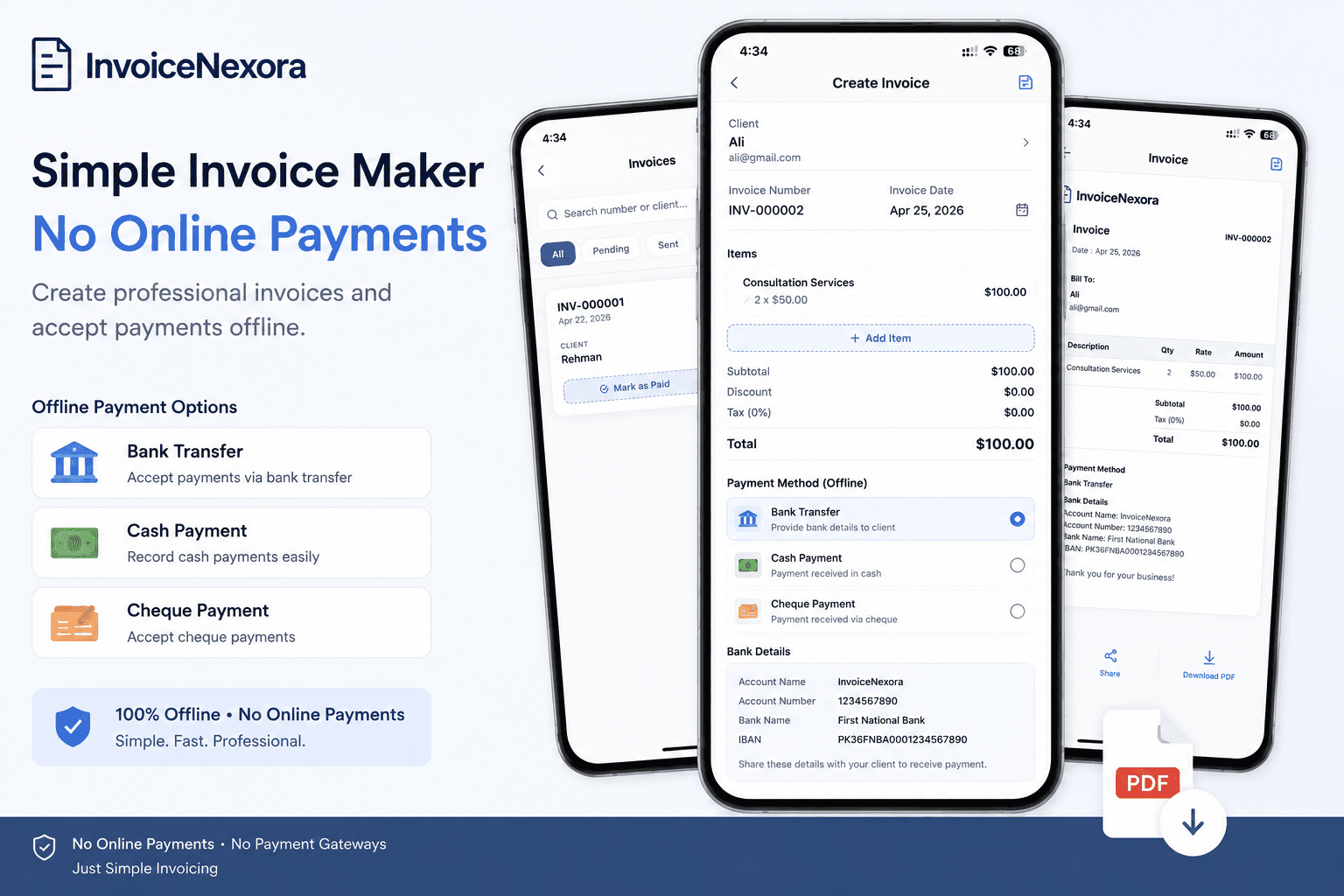
InvoiceNexora is built for field efficiency. In less than 90 seconds on your Android device, you can select an existing client or tap to add a new one, select your saved labor rates, add parts purchased that morning, and hit preview.
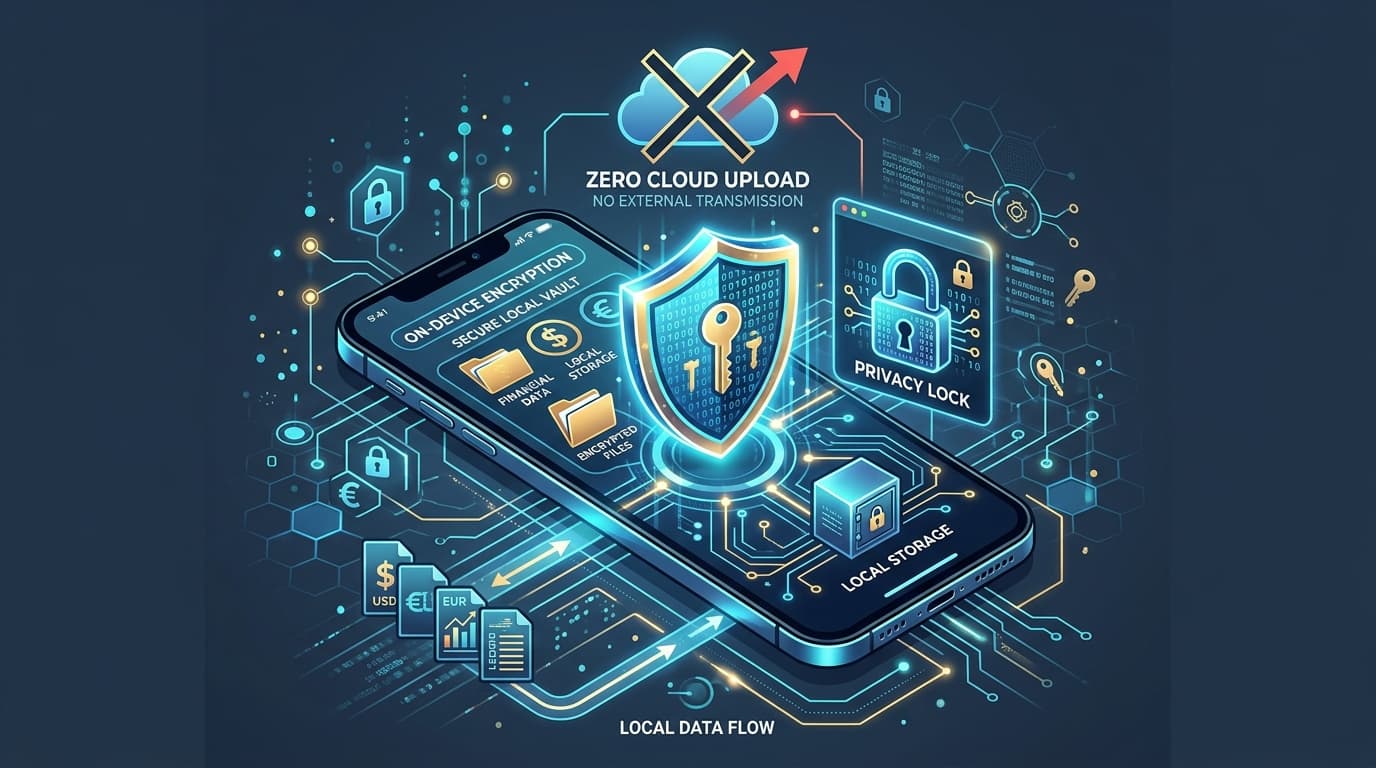
Because InvoiceNexora renders PDFs on your device, it doesn't matter if you are in a sub-basement with zero bars of signal. The professional PDF generates instantly with your company logo and digital signature. You can hand the phone to the customer or share the PDF via WhatsApp or email the second you reach signal.
Frequently Asked Questions About Contractor Invoicing
Why should contractors bill clients before leaving the job site?
Invoicing immediately on-site ensures all parts and hours are accurately recorded while fresh in mind. It dramatically speeds up payment, reduces client scope disputes, and saves you hours of weekend paperwork.
What should be included on a contractor or handyman invoice?
A contractor invoice should include your business name, license number (if applicable), job site address, itemized labor and materials, tax calculations, invoice number, payment terms, and a client signature.
Can I add customer signatures to the invoice on my phone?
Yes. Mobile invoicing apps like InvoiceNexora allow you to capture signatures directly on screen, embedding the signed approval right into the exported PDF file.
Does InvoiceNexora work in basements or rural areas without mobile signal?
Yes. InvoiceNexora stores all records in a local SQLite database and renders PDFs on your mobile hardware, guaranteeing 100% functionality with no Wi-Fi or cellular reception.
Stop spending your Sunday evenings catching up on administrative paperwork. Start issuing professional invoices directly from the truck or job site with InvoiceNexora.
Download the app
Send branded, professional invoices in under a minute.
Mobile-first invoicing for freelancers and small businesses. Templates, clients, multi-currency, and clear payment tracking - all from your phone. This article is only the plan. The app is the shortcut.